Policy history
Retain changes to supported Conditional Access settings instead of relying only on the policy's current configuration in the Entra admin centre.
Conditional Access auditing
Keep an understandable history of Conditional Access policy changes, including assignments, conditions, grant controls, session controls, and enabled state, alongside the actor and time of change.
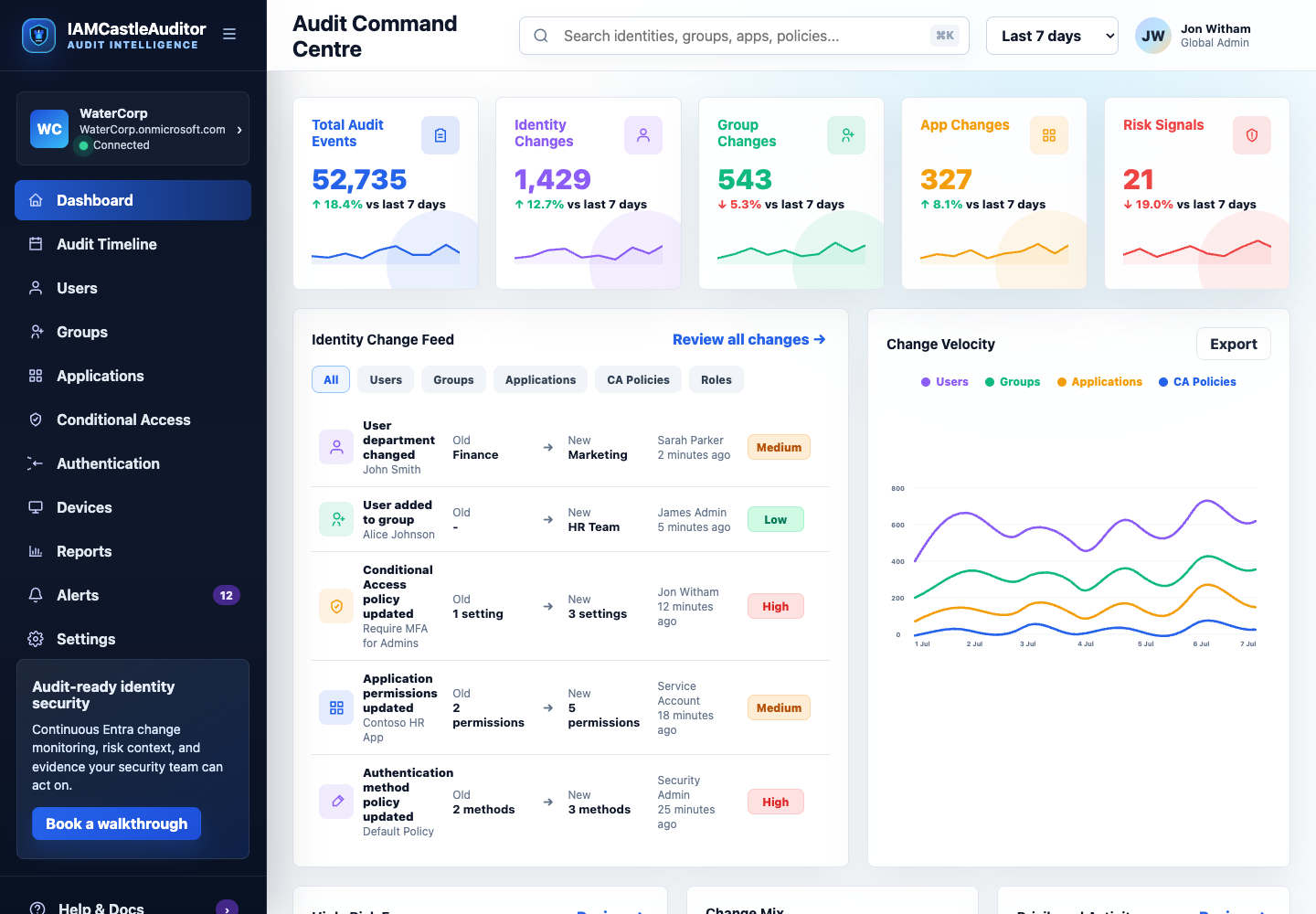
Retain changes to supported Conditional Access settings instead of relying only on the policy's current configuration in the Entra admin centre.
Resolve referenced users, groups, roles, and applications wherever directory context is available, reducing the number of unexplained identifiers in evidence.
Search policy evidence by date, actor, object, risk, or value and export the matching records to XLSX for review and audit work.
Conditional Access policies can alter authentication requirements and access decisions across an entire organisation. A small change to an exclusion, target group, grant control, or policy state can have a much larger operational and security effect.
IAMCastle collects read-only policy data through Microsoft Graph and records supported changes beside the wider identity activity occurring in the tenant. The evidence view prioritises understandable names and old-to-new comparisons while preserving source identifiers for traceability.
This provides a practical review trail for security operations, identity governance, internal audit, and incident response without allowing IAMCastle to edit or enforce customer policies.